
How to Get Help and Support
As a Citrix Cloud™ user, sometimes you might need help with making sure a smooth functioning of our infrastructure. This topic provides more information about the different help and supports options and how to access them.
Related information
Create a Citrix Cloud account
If you encounter an error when signing up for a Citrix Cloud account, contact Citrix Customer Service.
Sign in to your account
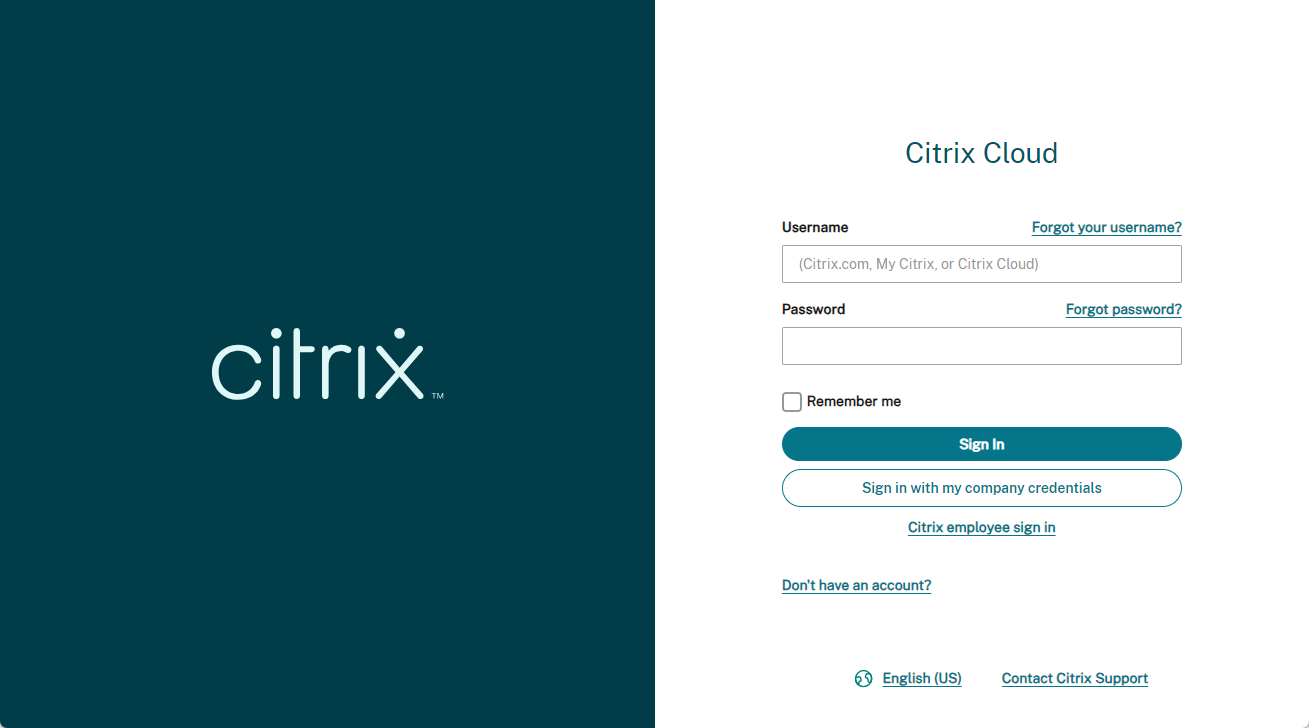
If you're having trouble signing in to your Citrix Cloud account:
-
Make sure you sign in with the email address and password you provided when you signed up for your account.
-
Citrix Cloud automatically prompts you to reset your password before you can sign in, if:
-
You haven't signed in to Citrix Cloud in a while
-
Your password doesn't meet Citrix Cloud's requirements
-
-
For more information, see Changing your password in this article.
-
If your company allows users to sign in to Citrix Cloud using their company credentials instead of a Citrix account, click Sign in with my company credentials and enter your company's sign-in URL. You can then enter your company credentials to access your company's Citrix Cloud account. If you don't know your company's sign-in URL, contact your company's administrator for assistance.
Change your password
If you’ve forgotten your Citrix Cloud account password, click Forgot your username or password?, and you can enter your account email address. You receive an email to reset your password. If you do not receive the password reset email, or you need more assistance, contact Citrix Customer Service.
To help you keep your account password safe and secure, Citrix Cloud might prompt you to reset your password when you attempt to sign in. This prompt occurs if:
-
Your password doesn't meet Citrix Cloud's complexity requirements. Passwords must be at least 8 characters long and include:
-
At least one number
-
At least one upper-case letter
-
At least one symbol:
! @ # $ % \^ * ? + = -
-
-
Your password includes dictionary words.
-
Your password is listed in a known database of compromised passwords.
-
You haven't signed in to Citrix Cloud in the last six months.
When prompted, select Reset Password to create a new strong password for your account.
Citrix Cloud support forums
On the Citrix Cloud support forums you can get help, provide feedback and improvement suggestions, view conversations from other users, or start your own topics.
NetScaler® support staff members track these forums and are ready to answer your questions. Other Citrix Cloud community members might also offer help or join the discussion.
You do not need to log in to read forum topics. However, you must log in to post or reply to a topic. To log in, use your existing Citrix account credentials or use the email address and password you provided when you created your Citrix Cloud account. To create a Citrix account, go to Create or request an account.
Support articles and documentation
NetScaler provides a wealth of product and support content to help you get the most out of Citrix Cloud and resolve many issues you might experience with NetScaler products.
Citrix Cloud Resource Center
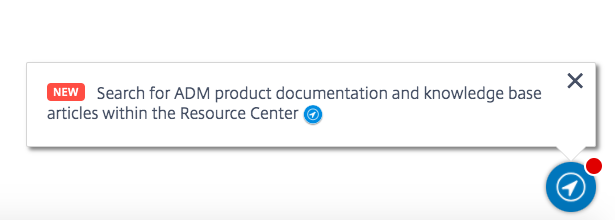
The Citrix Cloud Resource Center provides several resources to help you get started with Citrix Cloud services, learn more about features, and resolve issues. The resources that appear are applicable to the feature or service in Citrix Cloud that you are currently working with. For example, if you're in the Virtual Apps and Desktops service management console, the Resource Center shows you the following resources.
Access the Resource Center anytime by clicking the blue compass icon in the bottom-right of the Citrix Cloud console.
-
Get Started: Provides a brief guided walkthrough of key tasks specific to the service you're currently working with. You also find links to training and onboarding resources to help you learn more about service capabilities and set up your end-users for success.
-
Announcements: Provides notifications of newly released features and links to essential Citrix communications. Click a feature notification to receive a brief guided walkthrough of the feature.
-
Search Articles: Provides a list of product documentation and Knowledge Center articles for common tasks and helps you find more articles, without leaving Citrix Cloud. Enter a search query in the How do I... box for a filtered list of articles based on the service you're working with. In general, support articles appear first in the list, followed by product documentation articles.
Citrix Tech Zone
Citrix Tech Zone contains a wealth of information to help you learn more about Citrix Cloud and other NetScaler products. Here you find reference architectures, diagrams, videos, and technical papers that provide insights for designing, building, and deploying Citrix technologies.
Technical Support
If you’re experiencing an issue that requires technical help, click the Feedback and Support icon near the top-right of the screen, and then select Open a Ticket.
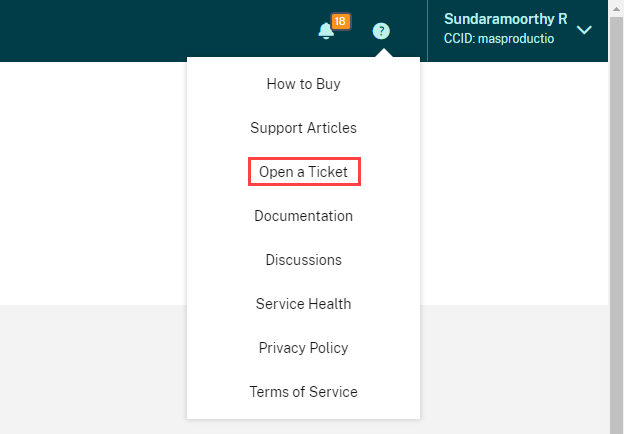
Click Go to My Support and then My Support to open a ticket through the My Support portal. You can also use the My Support portal to track your existing tickets and view your current product entitlements.
Service Health Dashboard
The Citrix Cloud service Health Dashboard provides an overview of real-time availability of the Citrix Cloud platform and services in each geographical region. If you experience any issues with Citrix Cloud, check the Service Health Dashboard to verify that Citrix Cloud or specific services are operating normally.
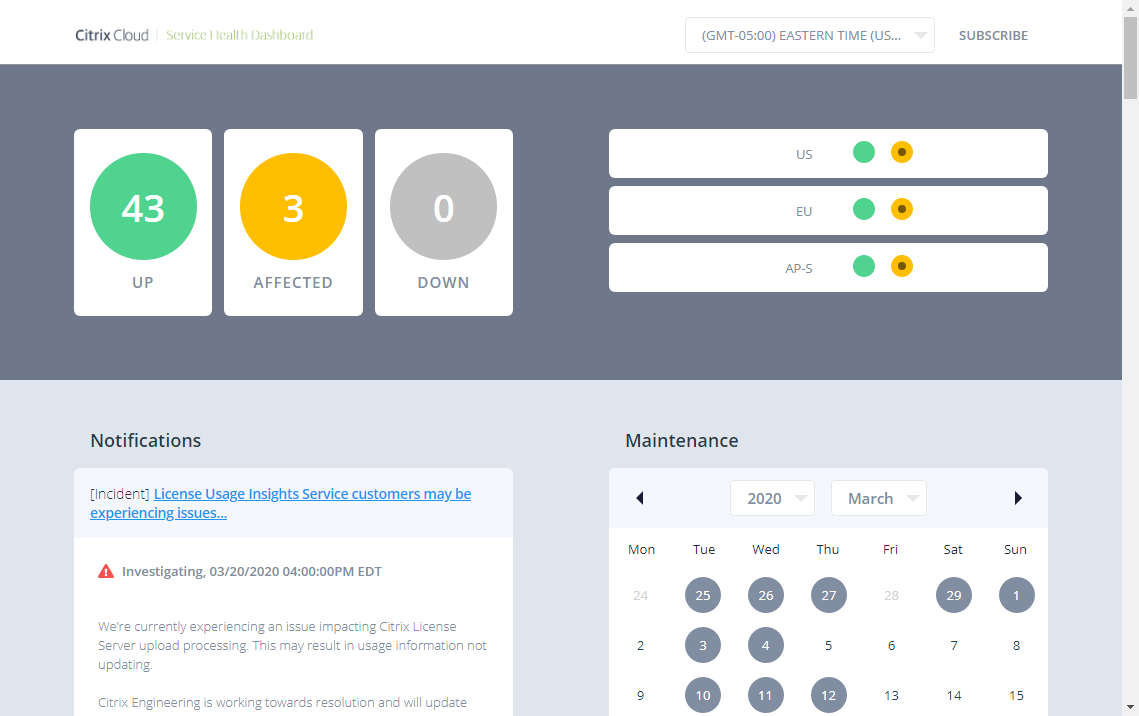
Use the dashboard to learn more about the following conditions:
-
The current availability status of all Citrix Cloud services, grouped by geographical region
-
The service health history of each service for the last seven days (default) or for previous seven-day increments
-
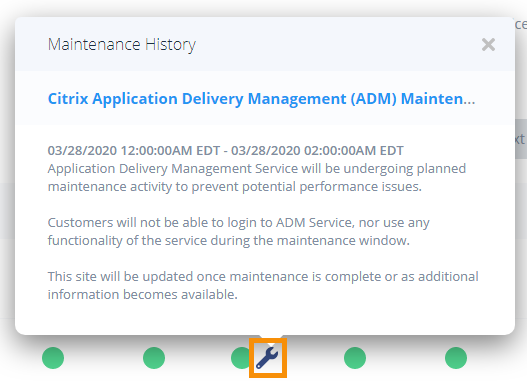
Maintenance windows for specific services
By default, service health status is displayed as a list, but you can also display the status in a calendar view. Select Next or Previous to scroll through the service health history in seven-day increments. You can also filter the list to display affected services only.
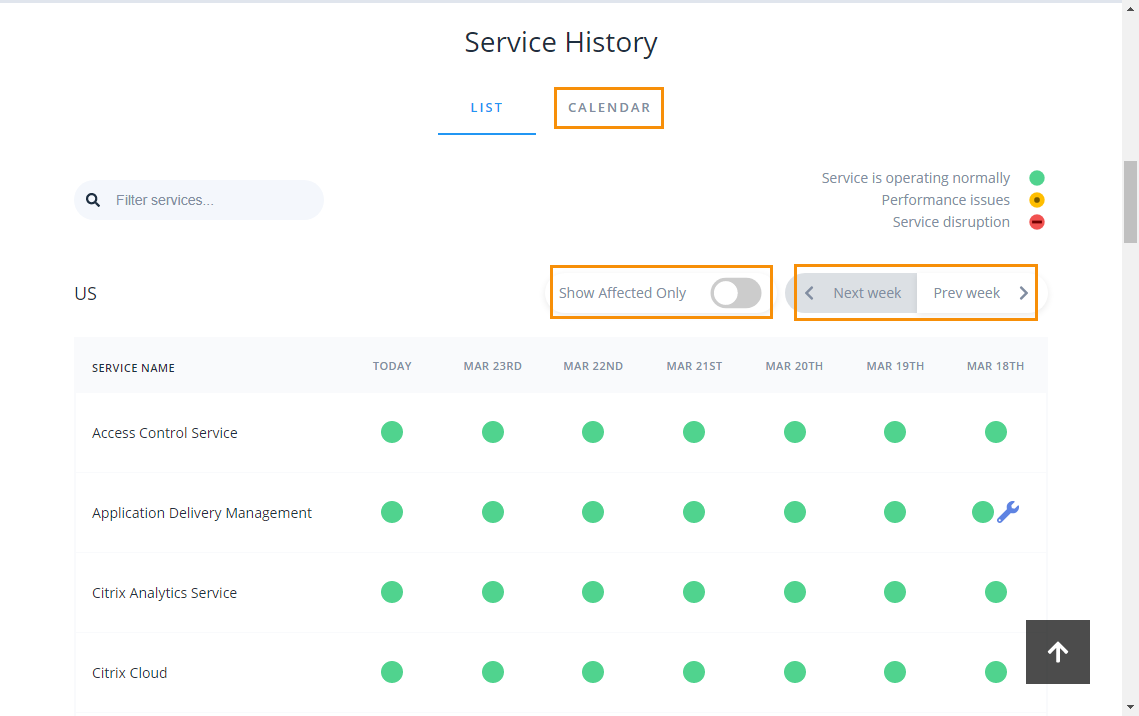
To view more detailed information about the service health incident for an affected service:
-
From the list view, click the icon next to the service indicator to view more detailed information about the service health incident.
-
From the calendar view, click the service entry to view the status for the service health incident.

Service health subscriptions
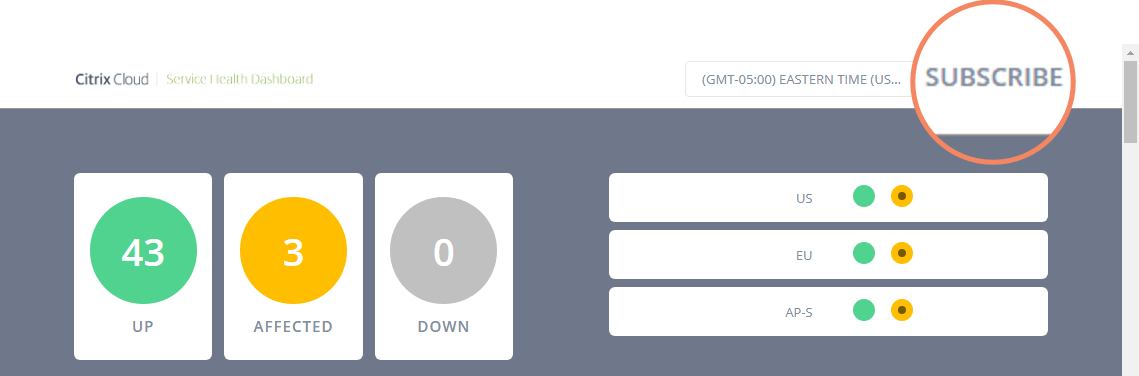
To receive service health notifications, click Subscribe in the upper-right of the dashboard and select the notification method you want to use.
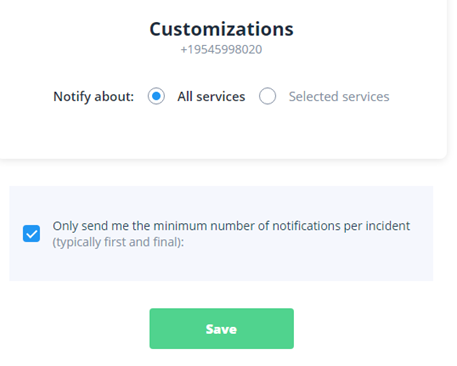
You can subscribe to notifications for all services or only the services you select. By default, you receive all notifications for a service health incident. To limit the frequency of notifications during an incident, you can choose to receive only the first and final notifications.
Depending on the subscription method, links to unsubscribe and to change your preferences are included in the subscription confirmation message you receive (for example, when subscribing to phone notifications) or in each notification message (for example, when you subscribe to email notifications).
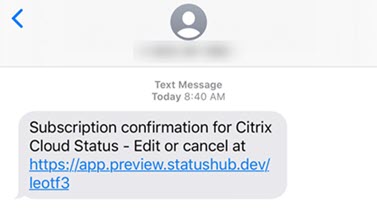
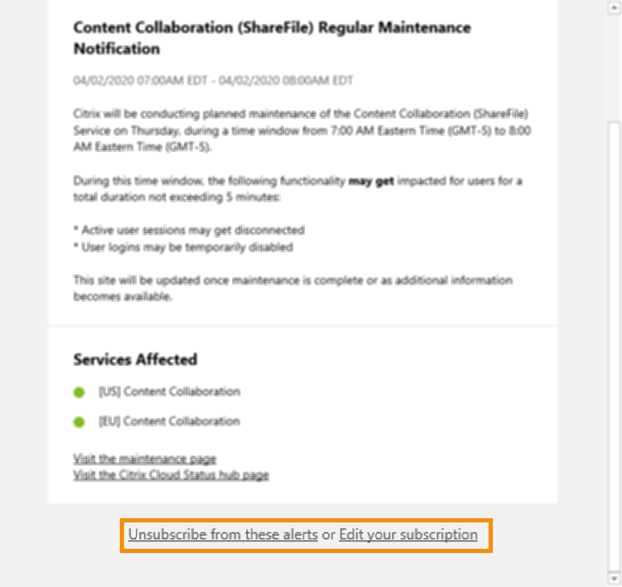
To unsubscribe or change your subscription preferences:
-
Locate an existing notification and select the link to unsubscribe or change your notification preferences.
-
If unsubscribing, select Unsubscribe and then select the notification method you want to cancel. To subscribe from all notification methods, select Remove all subscriptions.
-
If changing preferences, select the notification method, make the appropriate changes to the services and minimum incident notifications, and then select Save.