
Install NetScaler agent in Kubernetes cluster using YAML
Note
The procedure to install an agent as a microservice is available in the Getting Started section.
In the Kubernetes master node:
-
Save the downloaded YAML file
-
Run the following command:
kubectl create -f <yaml file>For example,kubectl create -f testing.yamlThe agent is successfully created.
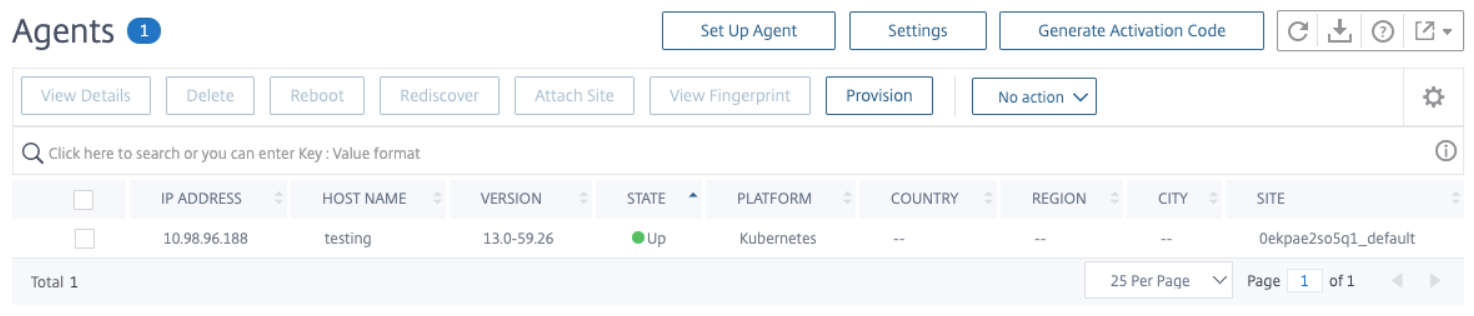
In NetScaler Console, navigate to Infrastructure > Instances > Agents to see the agent status.
Note:
NetScaler agent configured in Kubernetes cluster using YAML supports automatic agent upgrade (evergreen upgrade).
Related information