
Email subscriptions
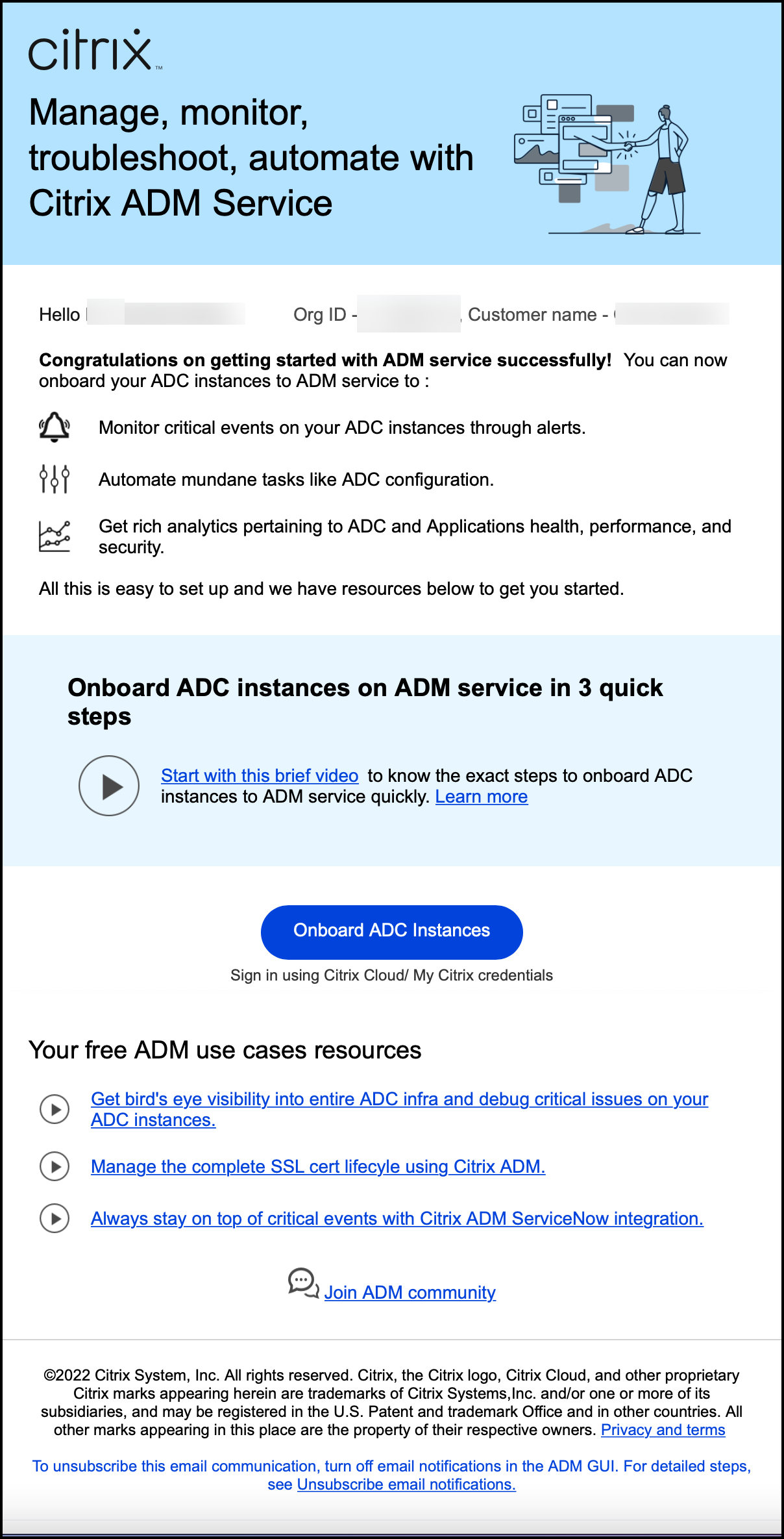
{{page.adm-product-name-short}} sends in email notifications to all the inactive and the new users.
Inactive customers receive an email notification if:
-
{{page.citrix-adc-generic}} instances are not configured
-
The tenant license expires in less than 30 days
Note:
By default, all such inactive customers receive an email notification.
New customers receive an email from {{page.adm-product-name-long}} inviting them to onboard the {{page.citrix-adc-generic}} instances to {{page.adm-product-name-long}} service where they are able to manage and monitor critical events on {{page.citrix-adc-generic}} instances, troubleshoot, and automate tasks like {{page.citrix-adc-generic}} configuration.
Related information
Unsubscribe Email Notifications
You can subscribe or unsubscribe from the email notifications that you receive from {{page.adm-product-name-long}} service. To Unsubscribe Email Notifications:
-
In {{page.adm-product-name-long}}, navigate to Settings > Global Settings > System Configurations, and then click Email Subscriptions. The Unsubscribe Email Notifications window appears.
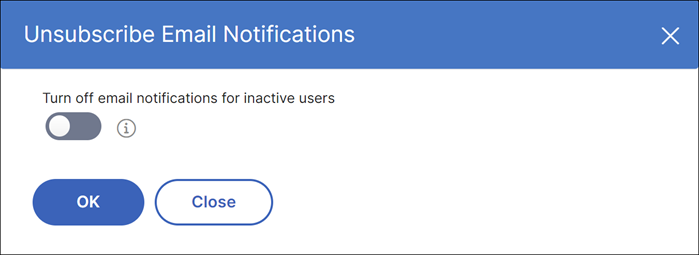 Note:By default, the toggle button for turning off email notifications is in the off position and the email notifications are enabled for all inactive users.
 -
In the Unsubscribe Email Notifications window, turn on the toggle button. Click OK.
You have now unsubscribed the email notifications and will not receive any emails to Onboard {{page.citrix-adc-generic}} instances.