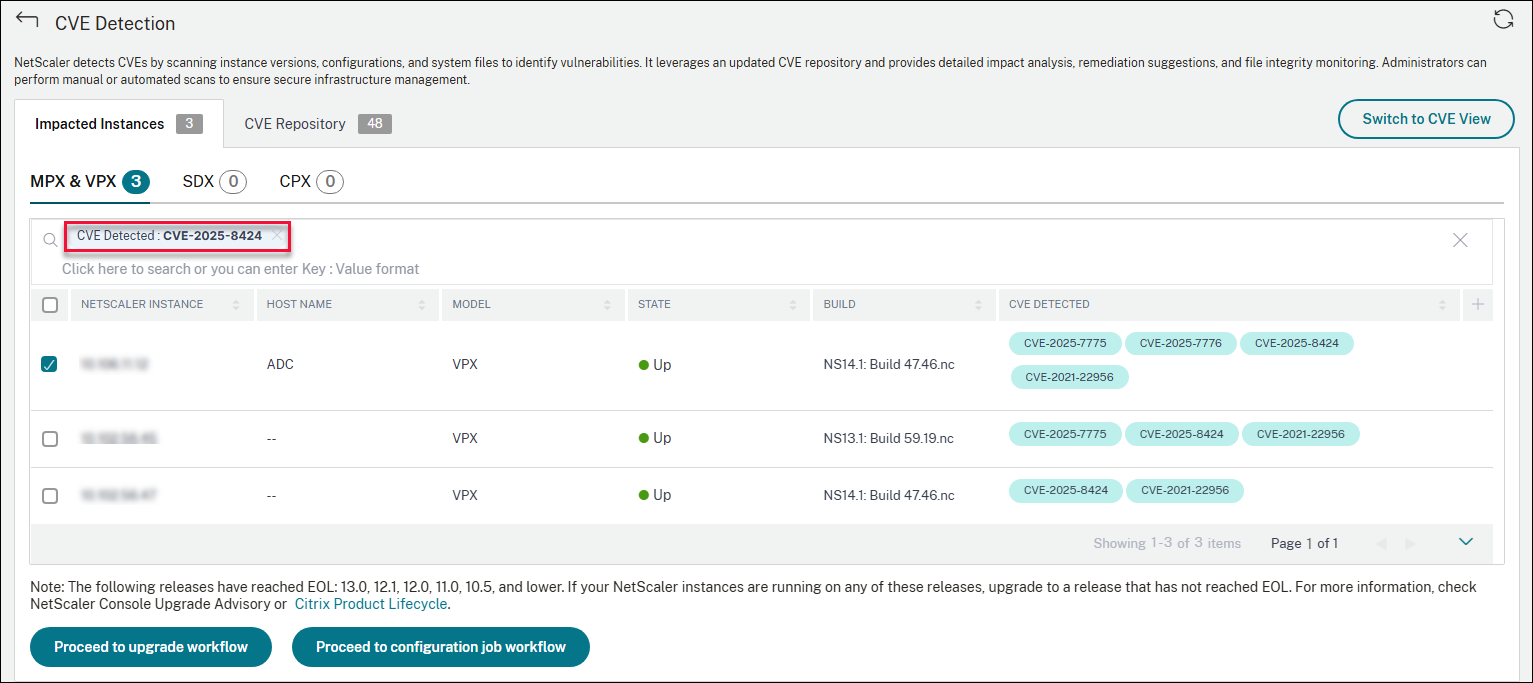
Identify and remediate vulnerabilities for CVE-2025-8424
In the NetScaler Console security advisory dashboard, click CVE Detection. On the Impacted Instances tab, search for CVE-2025-8424. The list of NetScaler instances that are impacted by CVE-2025-8424 is displayed.
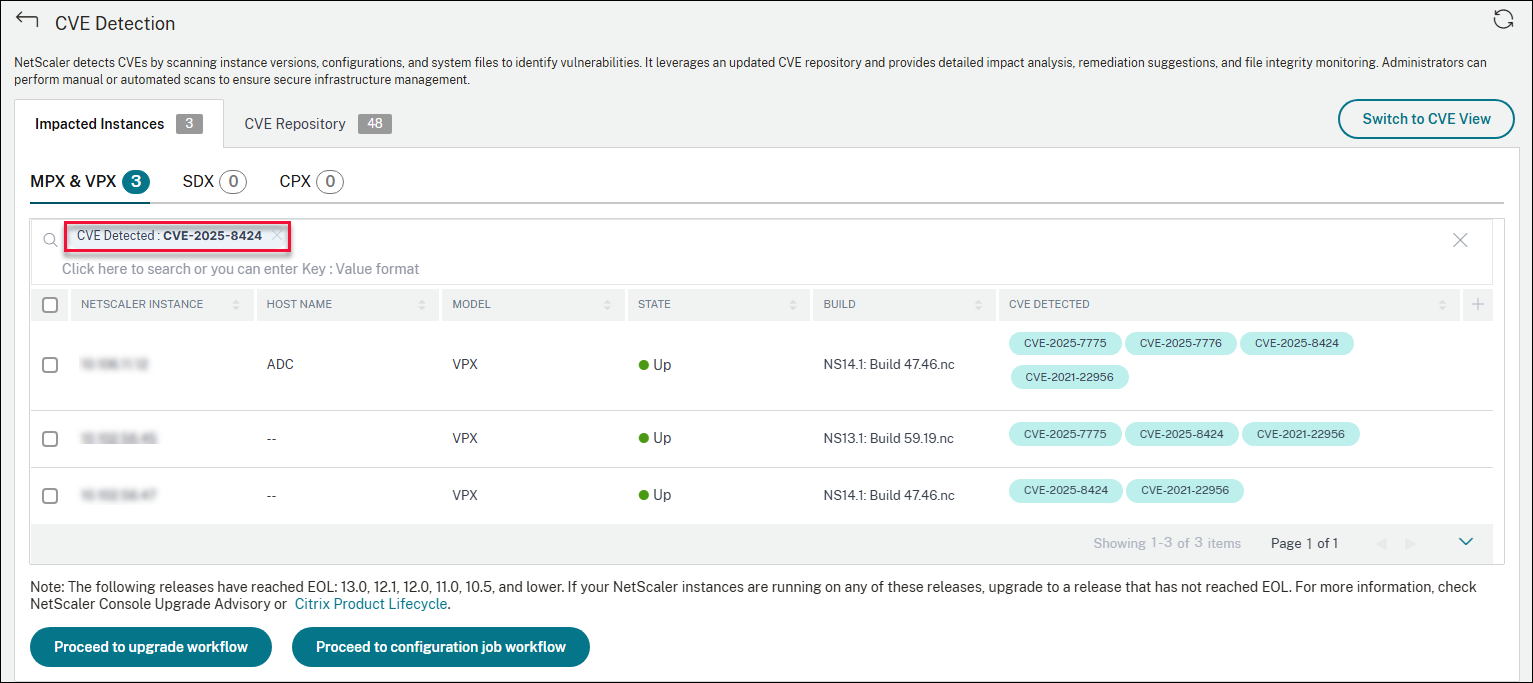
For more information about the security advisory dashboard see, Security Advisory.
Note:
It might take a couple of hours for the security advisory system scan to conclude and reflect the impact of CVE-2025-8424 in the security advisory module. To see the impact sooner, start an on-demand scan by clicking Scan-Now.
Related information
Remediate CVE-2025-8424
For CVE-2025-8424 impacted NetScaler® instances, the remediation is a single-step process and you need to upgrade the vulnerable NetScaler instances to a release and build that has the fix.
In the GUI, under CVE Detection > Impacted Instances, select the instances and click Proceed to upgrade workflow. The upgrade workflow opens with the vulnerable NetScaler instances already populated.
IMPORTANT
If your vulnerable NetScaler instances have the /etc/httpd.conf file copied to the /nsconfig directory, see Upgrade considerations for customized NetScaler configurations before planning NetScaler upgrade.
For more information on how to use NetScaler Console to upgrade NetScaler instances, see Create a NetScaler upgrade job.