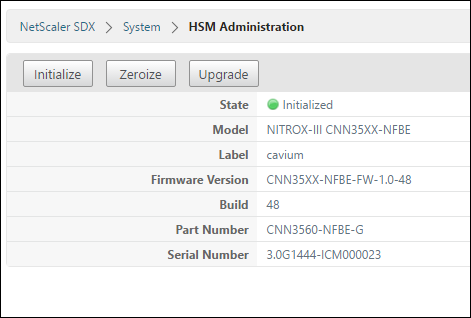
Initialize the HSM
Before initializing the HSM, you must first zeroize it.
Related information
Zeroize the HSM by using the Management Service
-
Open a browser and log on to the appliance.
-
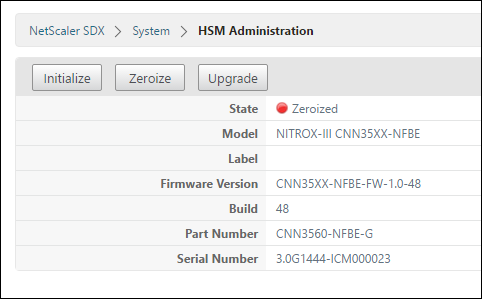
On the Configuration tab, navigate to System > HSM Administration, and in the details plane, click Zeroize.
All data is wiped from the FIPS chip, and the state appears as “Zeroized.” Any HSM partitions created earlier are deleted.
Initialize the HSM by using the Management Service
-
On the Configuration tab, navigate to System > HSM Administration, and in the details plane, click Initialize.
-
Type a new user name, specify a password, and click OK.
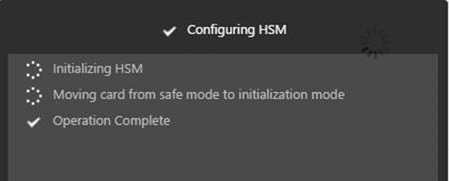
The card state appears as “Initialized.”