
Assign a host name to a NetScaler Console server
To identify a NetScaler Console server, you can assign the server a host name.
To assign a host name to a NetScaler Console server:
-
In NetScaler Console, navigate to Settings > Administration.
-
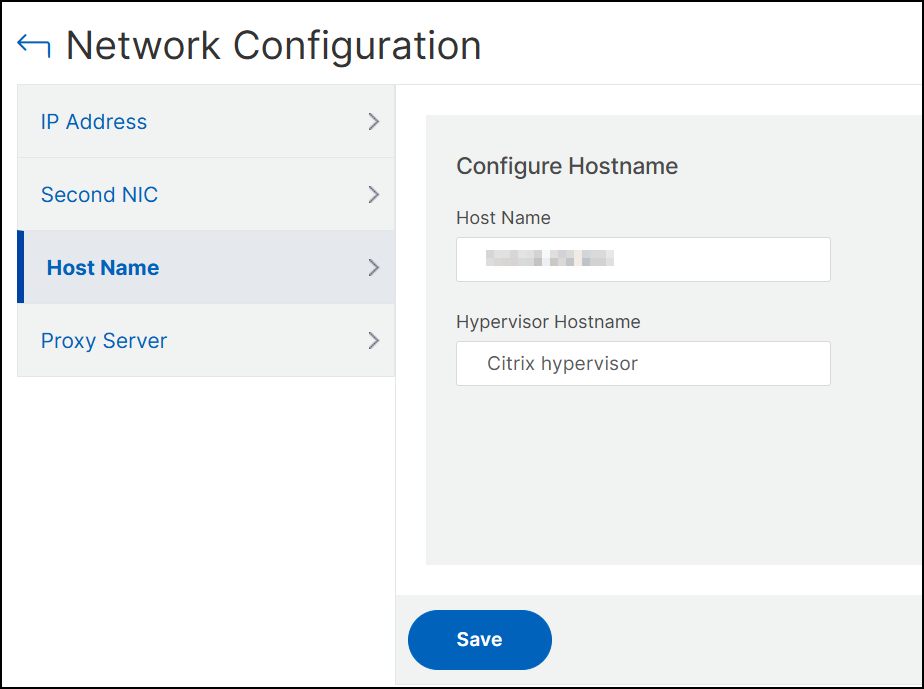
Under Network Configurations, click IP Address, Second NIC, Host Name and Proxy Server.
-
Select Host Name, enter a host name and hypervisor host name, and click Save.
 Note:You can also use the
networkconfigcommand in your hypervisor and change the host name.
Related information