
Manage your storage space
You can use the Data Storage Management dashboard to observe your data storage usage and to take the necessary actions to clear space or increase storage when your data storage is over the licensed limit.
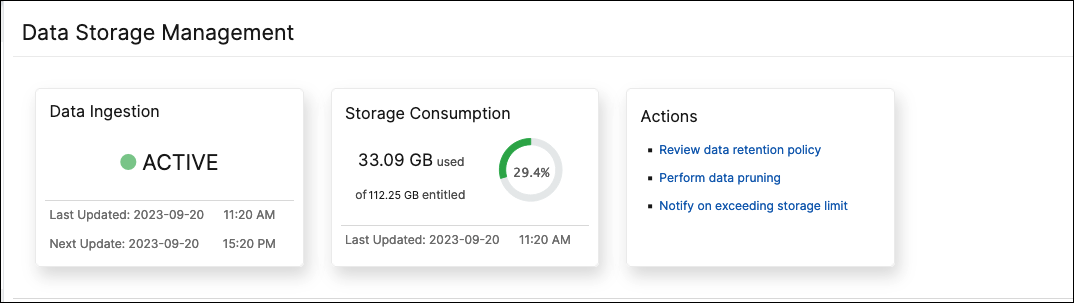
The Actions tile displays the list of recommended steps that you can take to manage your storage capacity:
Related information
Perform data pruning
Prune your data to optimize storage resources and get more storage space. In addition to freeing up space, data pruning enhances data quality and accelerates processing times. We recommend you review and purge unnecessary data at regular intervals. This process makes sure that your resources are used judiciously and NetScaler Console is agile and responsive.
To prune your data:
-
In the Data Storage Management page, scroll down to the Storage Consumption by features as on yyyy-mm-dd section.
-
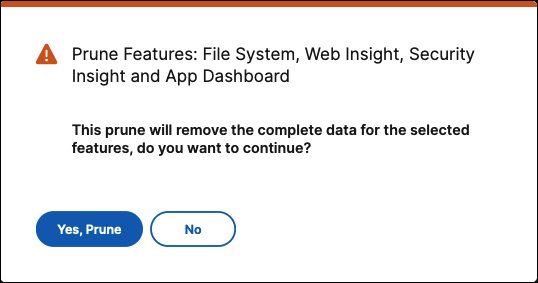
Select one or more features and click Prune. You can't select Config as it includes all the system configurations.A pop-up window prompts you to confirm if you want to delete all the data for the selected features. Click Yes, Prune.
View prune history
Click View Prune History to get details on the all the prune activities that you did in NetScaler Console.
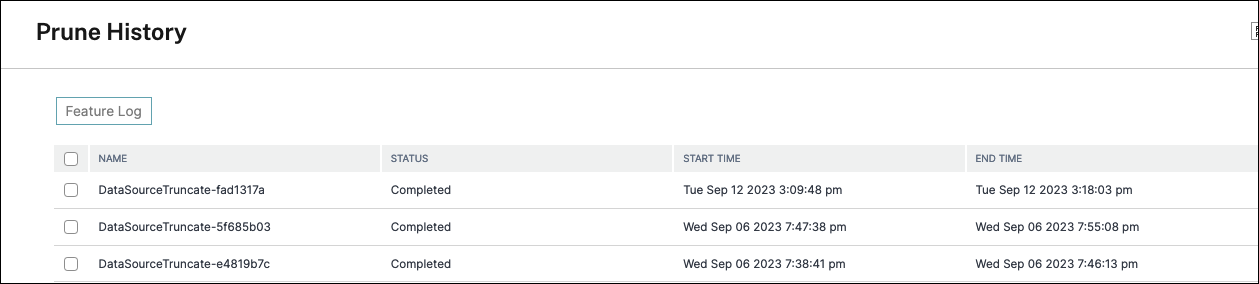
The Prune Logs: Task Logs page displays the list of all the prune tasks, including their respective statuses, start time, and end time.
To understand which features were removed in each of the prune operations, select a task and click Feature Log.

View storage event logs
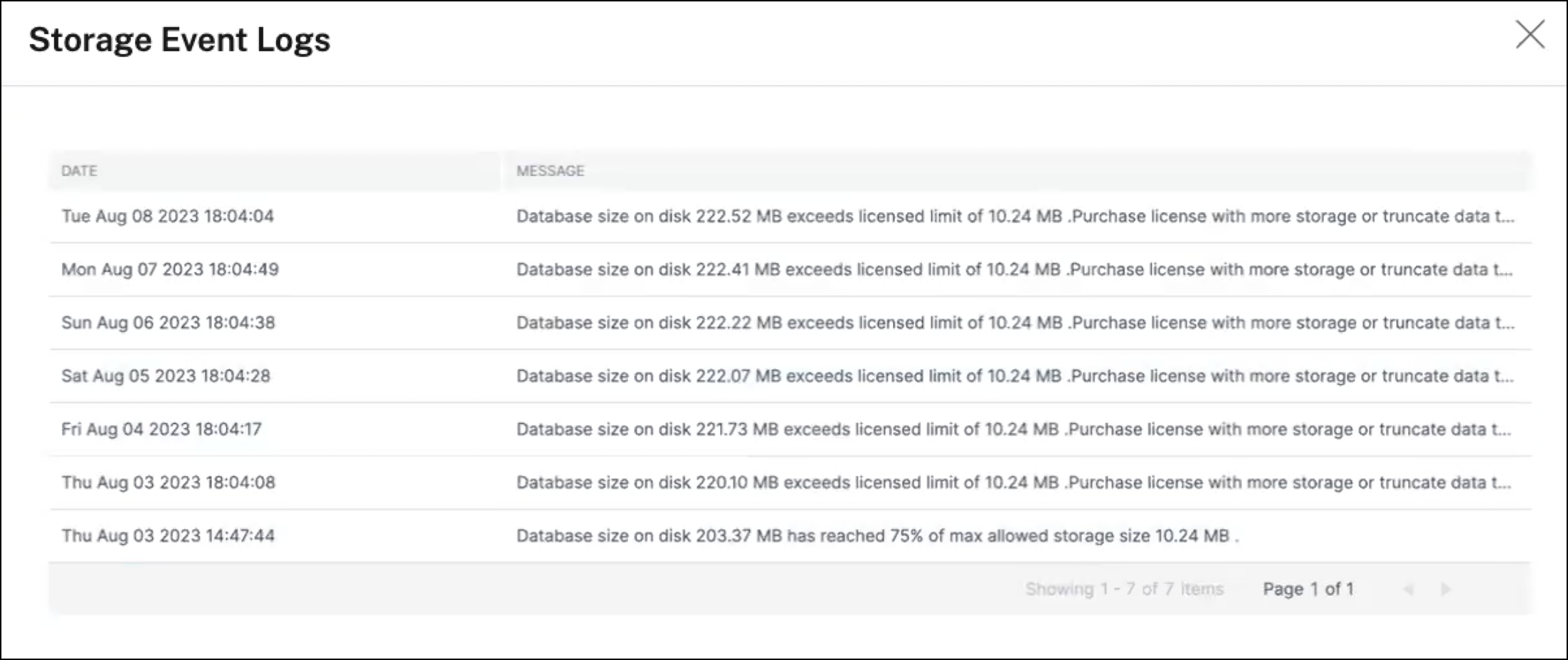
Click Storage Event Logs to get insights into all the times that your data went over or reached 75% of your licensed limit.
Review data retention policy
The data retention policy refers to a set of rules and configurations that determine how NetScaler Console manages and maintains historical data over time. This policy outlines how long data is stored before the data is automatically deleted.
If you want to reduce the storage space used by all the different features, you can change how long data is kept in NetScaler Console.
Use the Data Retention policy page to edit the data storage settings for:
-
Event messages
-
Syslog messages
-
Network reporting data
For more information on the data storage settings, see Data Retention Policy.
Notify on exceeding storage limit
You can set up notifications for NetScaler Console to send you alerts when your data storage capacity exceeds the specified limits.
To view and configure your system notifications:
-
In the Actions tile, click Notify on exceeding storage limit.
-
In the Configure System Notifications page, under the System Event Category, make sure the DataStorageExceeded category is selected to receive notifications.
You can specify various parameters related to how and when notifications are sent to you or other users. Select the preferred communication method (for example, email, Slack, PagerDuty, and ServiceNow notifications) and define the recipients for the notifications.
For more information on how to set up the profiles and send notifications, see Configure Notifications.