Shared VLAN support for admin partitions
For tenants connecting from private networks, the NetScaler Console supports isolation policy so that each tenant has its own dedicated partition, a dedicated VLAN, and dedicated servers. For tenants connecting from public networks, a dedicated VLAN will require too many IP addresses to be used. A shared VLAN circumvents this problem by creating one virtual IP address on each partition thus creating a single IP subnet.
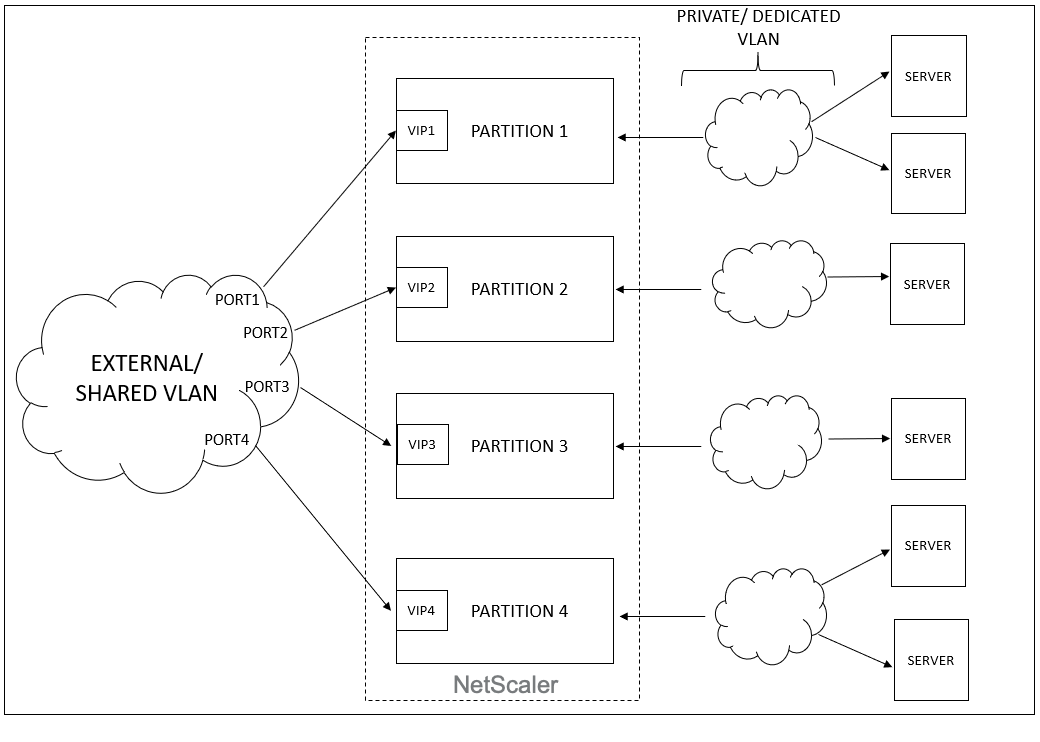
When an tenant configures a VIP or a listener, an admin partition is created in the NetScaler device for that tenant. All load balancer configuration is pushed to that admin partition that is created. If the tenant is using a shared network or an external network to create a load balancer, then the VLAN of that network is added and the sharing feature is enabled. When a different tenant uses the same shared network to create its load balancer, the VLAN is not added to the NetScaler again, but the VLAN will be bound to the second partition as well. Thus, any tenant who uses the same shared network gets a partition which is bound to the same VLAN.
The NetScaler Console supports virtual destination MAC address. When tenants share a VLAN, the NetScaler Console assigns different MAC addresses to the partition on the NetScaler device. This allows a VLAN to be shared across partitions or across all tenants and all traffic domains.
Related information
Configuring Shared VLAN from NetScaler Instance
-
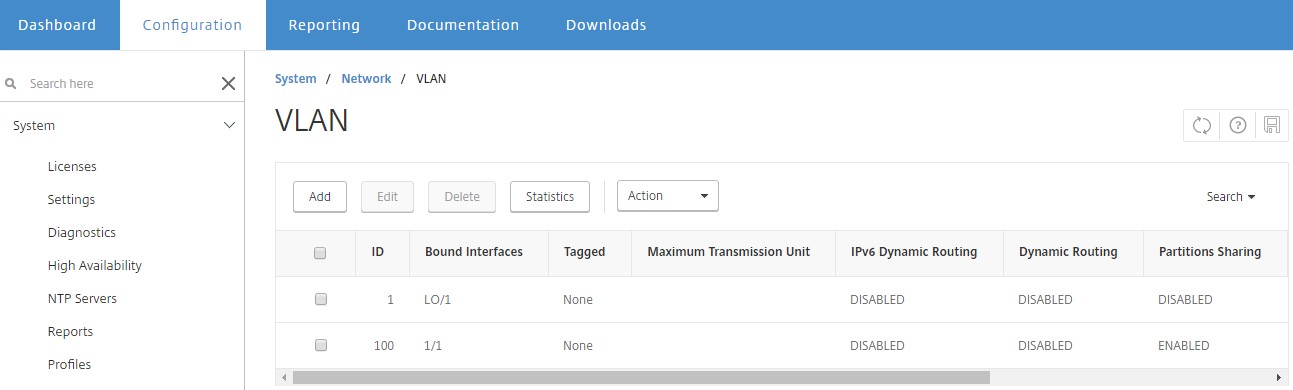
In a NetScaler instance, navigate to Configuration \> System \> Network \> VLANs, select a VLAN profile, and click Edit to set the partition sharing parameter.
-
On the Configure VLAN page, select the Partitions Sharing check box.
-
Click OK.
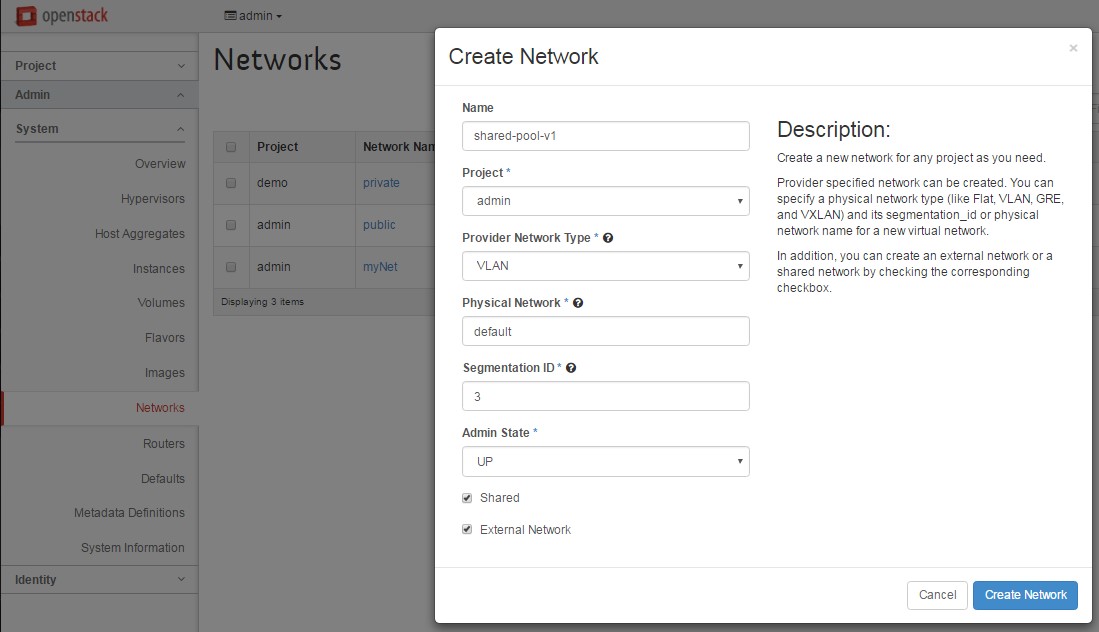
Configuring Shared VLAN from OpenStack Orchestration
-
In OpenStack, navigate to Admin \> System \> Networks, and then click Create Network.
-
In Create Network, set the following parameters:
-
Name - enter the name of the network
-
Project - select a project form the drop-down list
-
Provider Network Type - select VLAN from the drop-down list. This defines that the virtual network is established as VLAN.
-
Physical Network - the default physical network is selected here. You can edit this.
-
Admin State - by default, the administrative state of the network is UP
-
Select Shared and External Network to define that the VLAN is shared and is using an external network.
-
-
Click Create Network.