Create instance groups
To create an instance group, you must first add all your NetScaler instances to NetScaler ADM. After you have added the instances successfully, create instance groups based on their instance family. Creating a group of instances helps you to upgrade, backup, or restore on the grouped instances at one time.
Related information
To create an instance group using NetScaler® ADM
-
In NetScaler ADM, navigate to Infrastructure > Instance Groups, and then click Add.
-
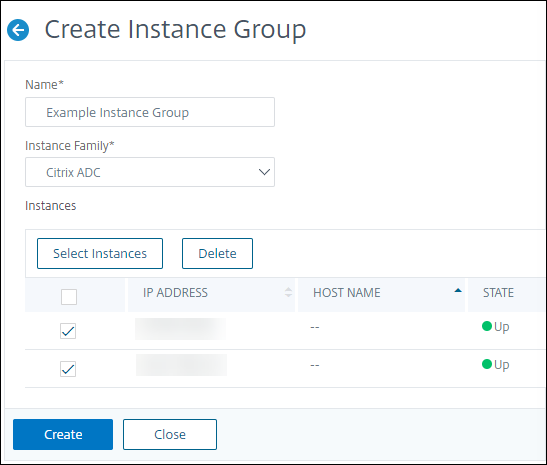
Specify a name to your instance group and select NetScaler from the Instance Family list.
-
Click Select Instances. On the Select Instances page, select the instances that you want to group and click Select.The table lists the selected instances and their details. If you want to remove any instance from the group, select the instance from the table and click Delete.
-
Click Create.