
Configure Active Directory in LOM
Add an active directory in LOM to use LDAP authentication with LOM.
Follow these steps to add an Active Directory in LOM.
-
Log on to the LOM GUI.
-
Navigate to Configuration > Active Directory.
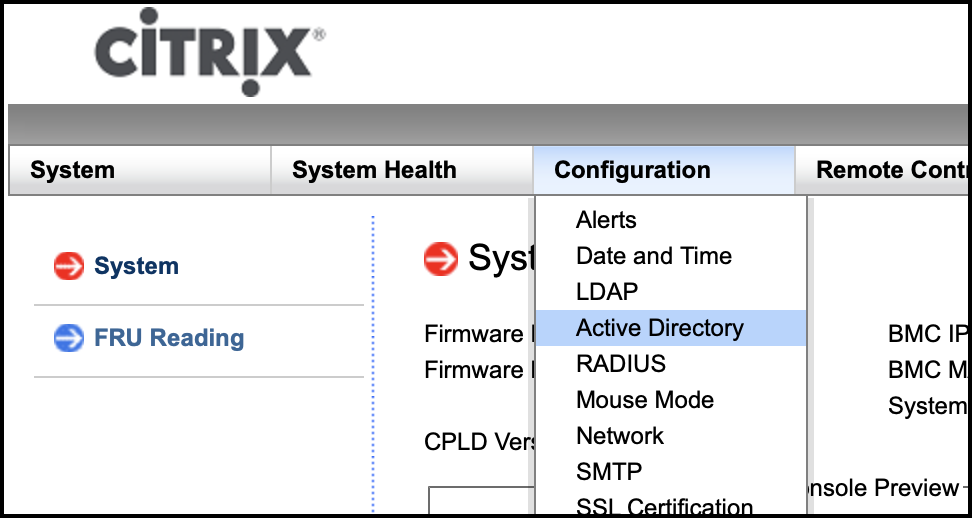
-
Click the link to configure or edit active directory settings.

-
Type values for the different parameters and click Save.
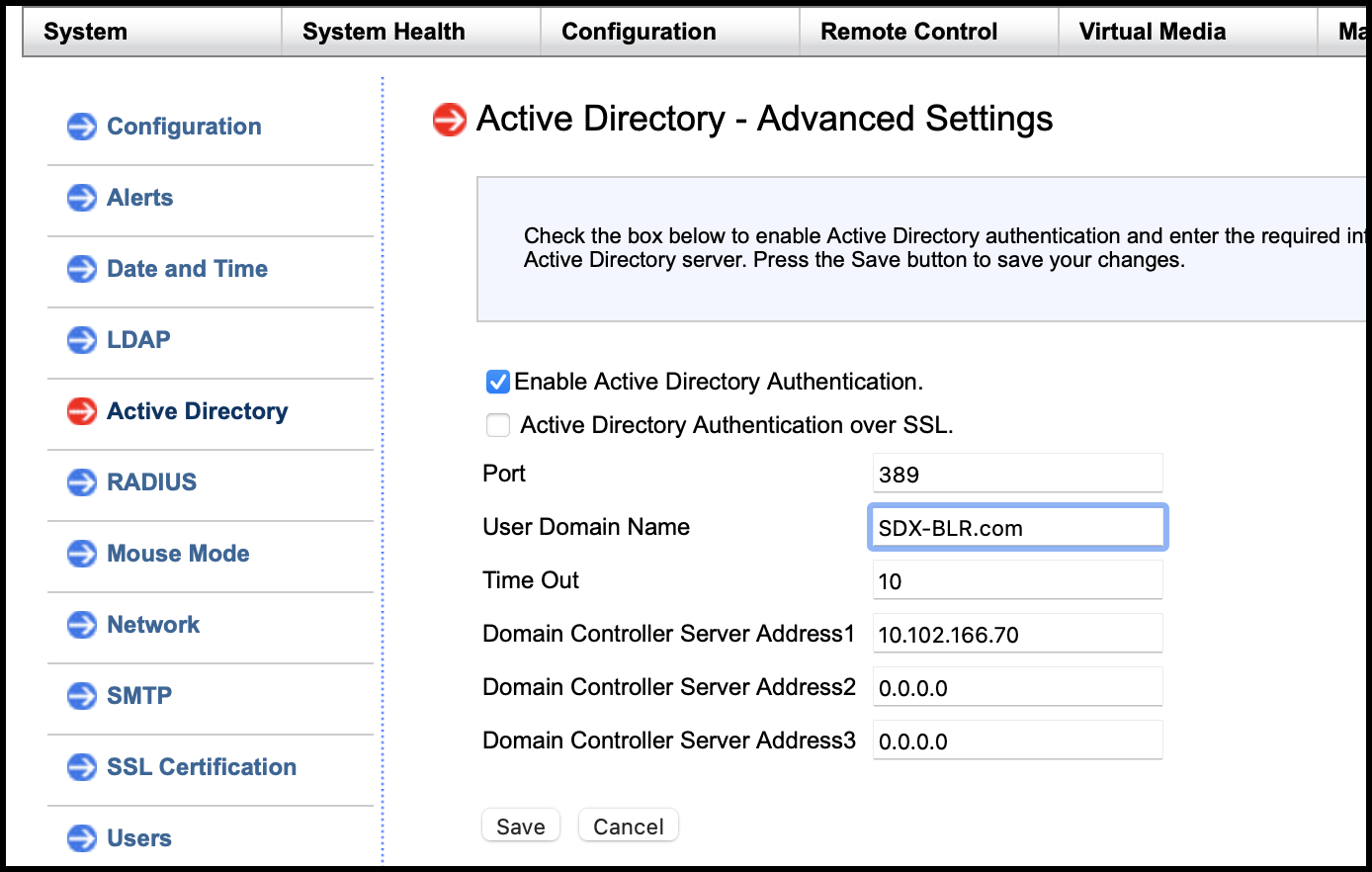 The following message appears after a successful save.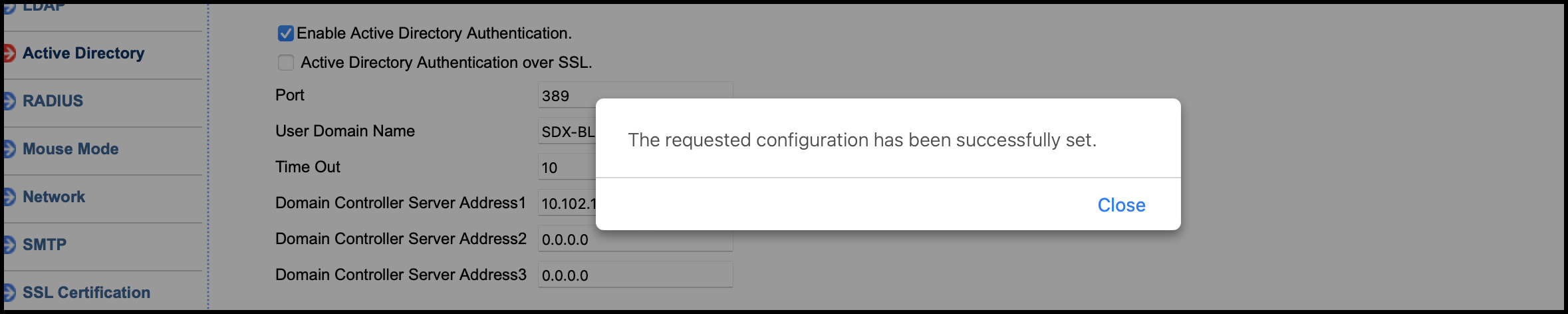
-
Click Active Directory and add a role group. A role group is required to give an Active Directory user a specific type of privilege on LOM.

-
Select Administrator to give admin privileges to the role group and click Save.
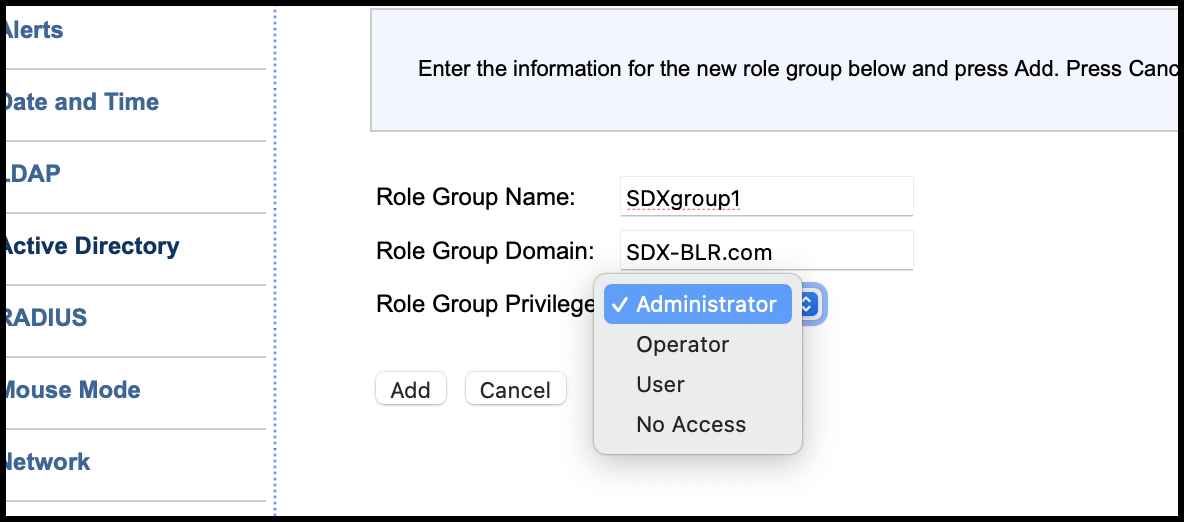 The role group appears in the table.
-
Log on as an Active Directory user.
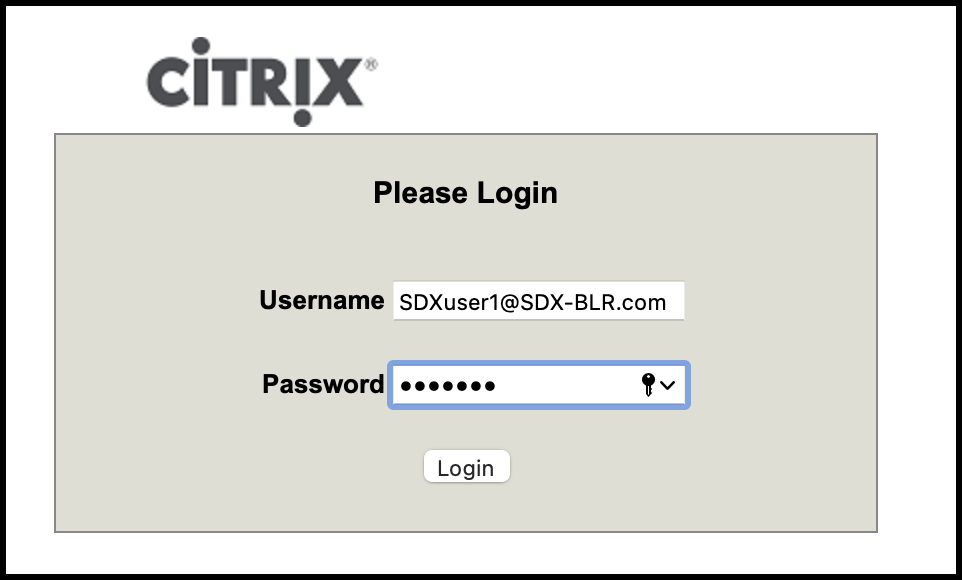
You have completed the steps to add an Active Directory.